Choose the exact name customers will remember. Keep its spelling consistent across your storefront, receipts, social pages, and packaging.
Make the name unmistakably yours.Short, searchable, and easy to say aloud.
Ceramics Store
Build a product-ready folder
Get your product images ready
Prepare one clean cover image and a few detail shots for every item. Consistent light and framing make the catalogue feel immediately trustworthy.
Stoneware mug setCover, handle detail, and scale shot
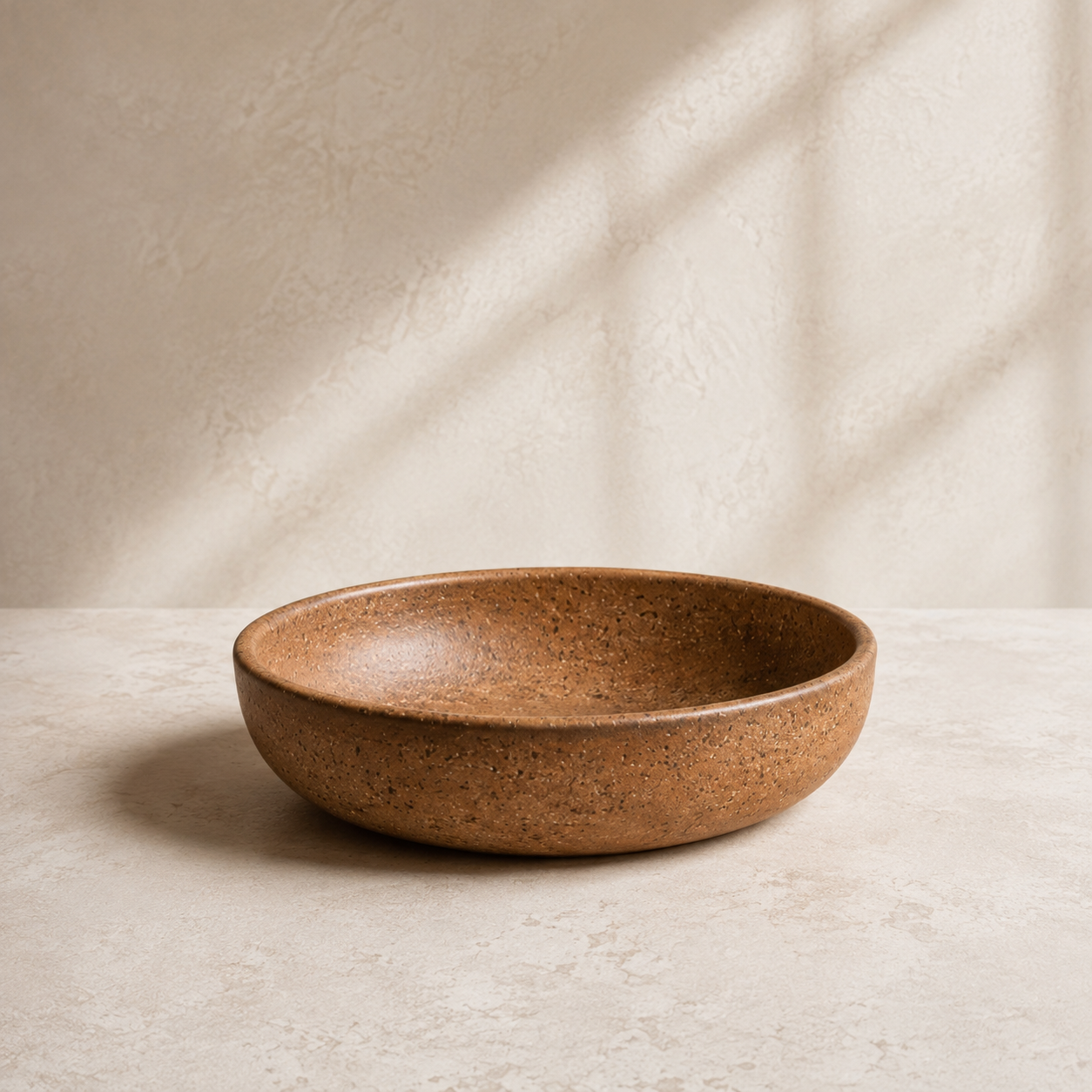
Terracotta bowlTop view, texture, and serving shot
Hand-thrown teapotProfile, lid detail, and pour shot
Best prepared as square JPG or WebP images, at least 1200 px wide, photographed against one consistent background.
Your address on the web
Get your domain ready
You can launch with the free OneBizSpace address. If you own a custom domain, keep your registrar login nearby so connecting it later takes only a few minutes.
ceramicsstore.lk
Launch nowonebizspace.app/ceramics-store
Connect laterYour branded web address
A custom domain is optional and never blocks your launch. Your free address remains active after you connect one.
Receive your earnings
Have a bank account ready
Keep the account that should receive store payouts close by. The account holder details should match the person or business behind the store.
Bank and branch detailsKnow the bank and branch tied to the account.
Account holder nameUse the name exactly as it appears at the bank.
Account numberDouble-check each digit before submitting later.
PAYOUT ACCOUNT
Ready when payments launch
Only enter bank information inside OneBizSpace settings. Never send account details through chat or email.
You know what to bring
Ready to build your storefront?
Add these essentials through the setup checklist, preview the storefront, then publish when everything looks right. You can save and return at any time.
Your smooth-launch plan
Start with the store name, add your product catalogue and pickup details, shape the design, then connect optional services when you are ready.
Final store nameProduct photosDomain accessBank details
Select “Start store setup” below to open your dashboard and work through each configuration card.